Guide
Sulfur and Cinnabar Block Palettes for Warm Minecraft Builds
Give yellow walls and red roofs a new set of materials to work with.
Two new material families
Sulfur and cinnabar bring yellow and red building sets to Minecraft. Mojang announced their release with Chaos Cubed on June 16, 2026. This guide uses textures from Java 26.2, with version information checked September 8, 2026.
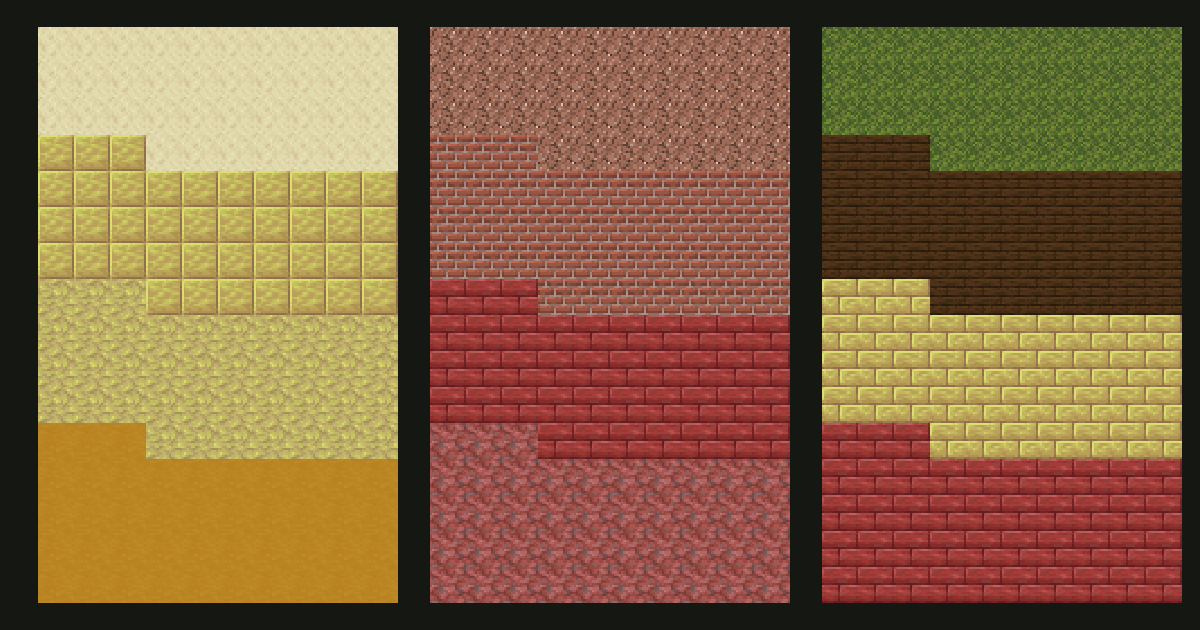
Think of the combinations below as three different ways to organize a build: a yellow facade, a red roof, and a courtyard with both colors. The diagrams are original flat texture studies. They show the materials together without representing tested in-game structures.
1. Yellow wall, pale trim
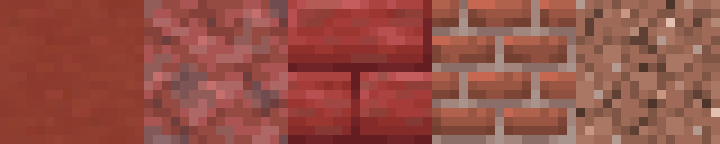
Use sulfur as the main wall, smooth  sandstone for window surrounds, and sandstone around the base.
  Yellow terracotta gives you a more muted neighboring surface, while polished sulfur offers a different pattern within the new family.
Build a plain sulfur sample first. Add a sandstone opening and judge that large contrast before adding tiny texture patches. The wall should still read clearly when you remove the extra details.
For a weathered version, try a connected yellow terracotta area close to the base. Treat it as a change in material as well as color. Do not assume that every yellow block belongs in one continuous gradient: the surface pattern and color cast matter too.
Without 26.2: start with yellow terracotta and sandstone. It creates a related warm scheme, although it does not reproduce sulfur's exact shade.
2. Red roof, brick chimney
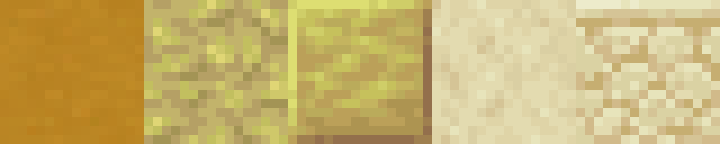
Use cinnabar or cinnabar  brick stairs for the roof and
  bricks for a chimney.
  Red terracotta can form a quieter gable panel.
  Granite gives you a rougher accent for a retaining wall or a distinct repaired area.
Keep the brick patterns organized. A chimney built entirely from bricks is often easier to read than a roof with several brick scales mixed evenly across it. If you want a patchwork roof, test a small group of adjacent materials first and keep the transitions local.
Try looking at the sample from the ground rather than only from above. A roof that looks varied in a close texture strip may blend into one color at its normal viewing distance.
Open the cinnabar roof palette.
Without 26.2: try brick stairs with red terracotta gables. Use granite where its roughness suits the build instead of treating it as a direct replacement for cinnabar.
3. A warm courtyard with both sets
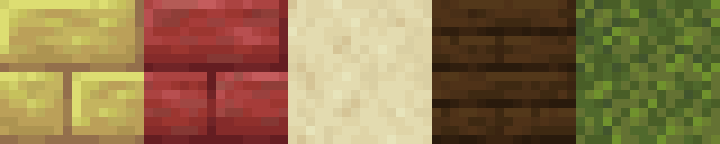
Give each family a job: sulfur brick walls, cinnabar brick roof details, and smooth sandstone trim. Dark oak can frame entrances, while moss belongs in deliberate planting or damp areas.
The main decision is how much red and yellow you want to see together. Start with the walls covering most of the visible surface and reserve red for the roof. Avoid giving every window, column, and path a separate alternating pattern.
A short sample exercise
- Build a wall six blocks wide and five blocks high in the main material.
- Add a small window or recess so the palette has an architectural feature to support.
- Choose one trim material and use it consistently around that opening.
- Add the roof color above the wall, then inspect the overall balance.
- Introduce weathering only after those large areas work together.
Sulfur is not the same choice as potent sulfur
Potent sulfur has gameplay behavior as well as a color. The official release article describes its role in sulfur pools and nausea effects. The examples here use ordinary sulfur variants; choose potent sulfur intentionally after checking its behavior in your setup.
Build a palette around the new blocks
Open the palette generator and select a version that includes your chosen blocks before collecting companions. Use the gradient generator when you want intermediate colors, then apply the wall placement tutorial to the actual surface.
For broader architecture and accent ideas, continue with the desert palette guide. Keep each new recipe focused on the wall or roof you are building rather than adding every warm-colored block to the same house.